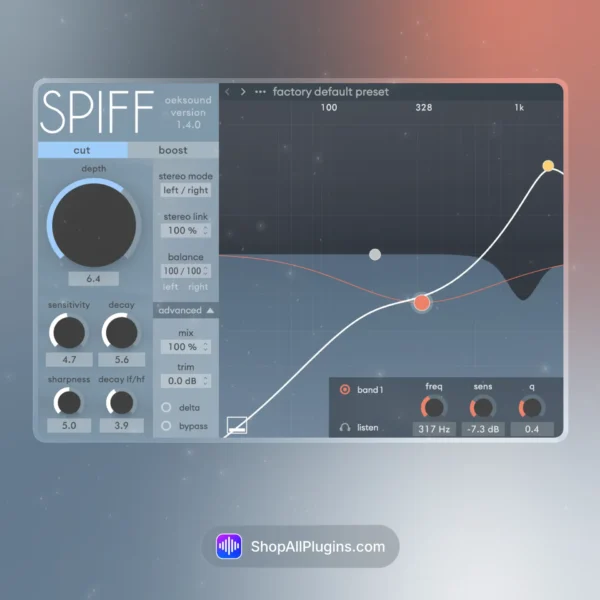
Oeksound Spiff is an adaptive transient processor plugin that lets you cut or boost transients with frequency-based precision, so you can shape attack without wrecking the body of the sound. Instead of applying one global transient curve, Spiff analyzes the transient material and targets only the frequencies that make up the attack, which is why it is a favorite for tightening drums, smoothing harsh pick noise, controlling vocal consonants, and making a mix feel cleaner and more controlled in any DAW.
🎛️ What’s Inside
| Module / Feature | What it does | Perfect for |
|---|
| Adaptive Transient Detection | Separates transient material from the sustain, letting you process attack details while keeping the rest of the signal more intact. | Cleaner drum hits, controlled pick noise, tighter percussion, smoother consonants. |
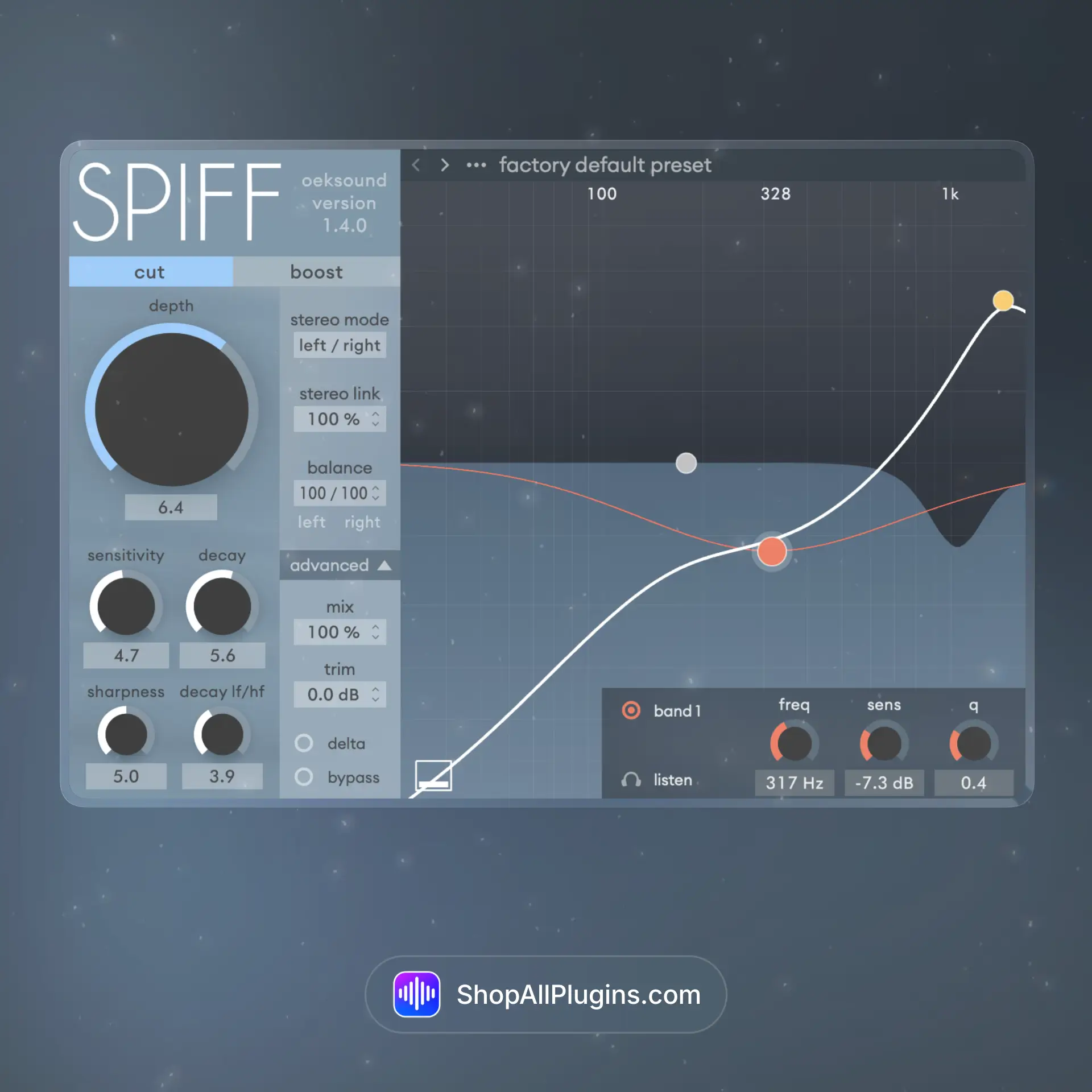
| Cut or Boost Modes | Choose whether you want to soften transients (reduce attack) or enhance them (add punch) with a single Depth control. | Make drums punchier, tame harsh hits, add snap to snares, reduce spiky attacks. |
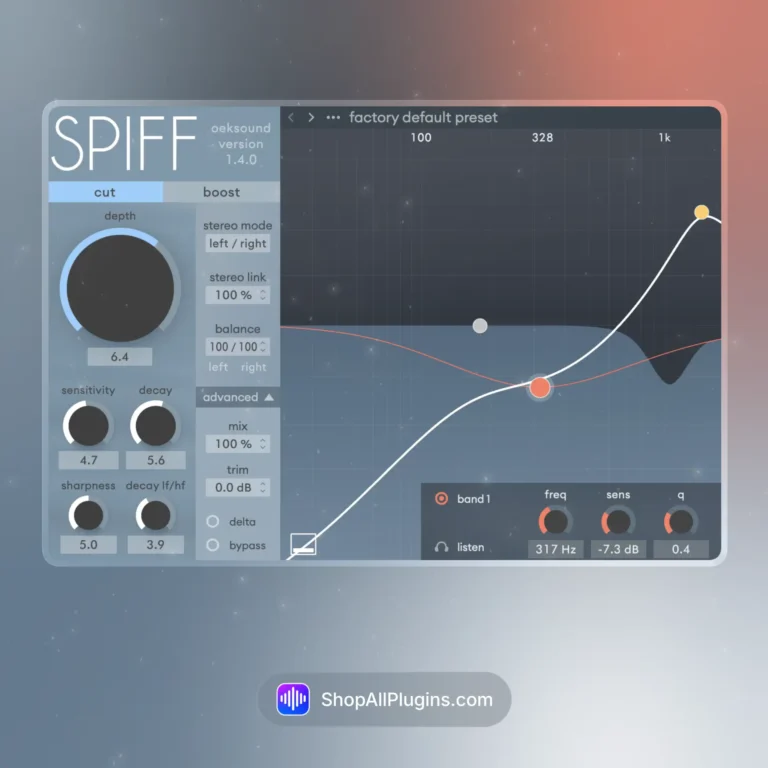
| Tune By Frequency Nodes | Multiple frequency nodes let you focus processing on specific bands of the transient, so you can target click, snap, or harsh edges without touching everything. | Kick click control, snare crack shaping, cymbal edge reduction, guitar attack control. |
| Sensitivity and Sharpness | Dial in how easily Spiff triggers and how focused the processing is, helping you avoid artifacts while still getting strong results. | Transparent shaping, clean transient reduction, precise enhancement for mixes and masters. |
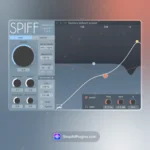
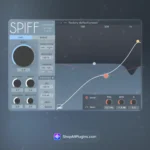
| Transient Visualization | A clear processing display shows what Spiff is detecting and what it is changing, making it easier to mix by ear and verify quickly. | Fast decision-making, repeatable settings, clean workflow in busy sessions. |
| Mixing and Mastering Friendly | Because it targets transient frequencies, Spiff can tighten a mix without over-compressing, making it useful on single tracks, buses, and even subtle mix bus work. | Drum bus punch, vocal attack control, instrument smoothing, mix clarity improvements. |
🎯 Why Producers Choose It
💡 Key Benefits
- Frequency selective transient shaping for detailed control without flattening the source.
- Cleaner attack management than typical transient shapers on many sources.
- Two workflows with Cut or Boost for smoothing or punch.
- Works on almost anything including drums, vocals, guitars, keys, and full mixes.
- Mixing and mastering utility when compression alone is not the right move.
🎨 Best Use Cases
- Tightening kick and snare attacks in hip hop, rock, and EDM.
- Controlling cymbal edge and harsh percussion transients.
- Reducing pick noise on guitar or smoothing piano attacks.
- Making vocals cleaner by managing sharp consonants and spikes.
- Adding punch to drums without heavy compression artifacts.
Standout feature: Spiff does transient shaping in a frequency aware way, so you can boost snap while leaving low end body alone, or cut harsh attack without dulling the whole signal. That control is the reason many producers keep it on drums, vocals, and guitars in everyday mixing.
📋 Technical Specs
| Plugin Formats | VST, VST3, AU, AAX, 64 bit |
| Windows Requirements | Windows 7 to 11, 64 bit (no Windows ARM support) |
| macOS Requirements | Mac OS X 10.14 (Mojave) to macOS 26 (Tahoe), 64 bit (VST, VST3, AU, AAX). Apple Silicon Macs supported; Intel support up to macOS 15 (Sequoia). AAX requires Pro Tools 11 or later |
| CPU Load | Medium (higher settings and sharper detection can increase load) |
| Tested DAWs | Ableton Live 11 and 12, Logic Pro, FL Studio 21+, Cubase 13, Studio One 6+, Reaper |
| Apple Silicon Native | Yes (Apple Silicon supported; Intel supported up to macOS 15) |
🚀 What You Get Right Now
On a drum bus, start in Boost mode with a small Depth, then use the frequency nodes to push only the snare crack and kick click. If your mix feels sharp, switch to Cut mode and reduce the upper transient bands to smooth the groove without losing low end punch.
What is oeksound Spiff used for
Spiff is used for transient shaping, letting you cut or boost attack with frequency based control for drums, vocals, guitars, keys, and mix bus cleanup.
Does Spiff work natively on Apple Silicon M1 M2 M3 M4
Yes, Spiff supports native Apple Silicon M1 to M4 on compatible macOS systems.
Can Spiff replace a transient shaper and compressor
It can replace many transient shaper tasks and reduce the need for aggressive compression when you only want to shape attack without changing the whole envelope.
Does it work in my DAW
If your DAW supports VST, VST3, AU, or AAX 64 bit, Spiff will run in your session.
How do I install and activate Spiff
You install the plugin on your system and activate it using your oeksound licensing method, then it will appear in your DAW as a VST, VST3, AU, or AAX plugin.












 Immediate Digital Delivery
  Reliable Customer Service
  Secure Payments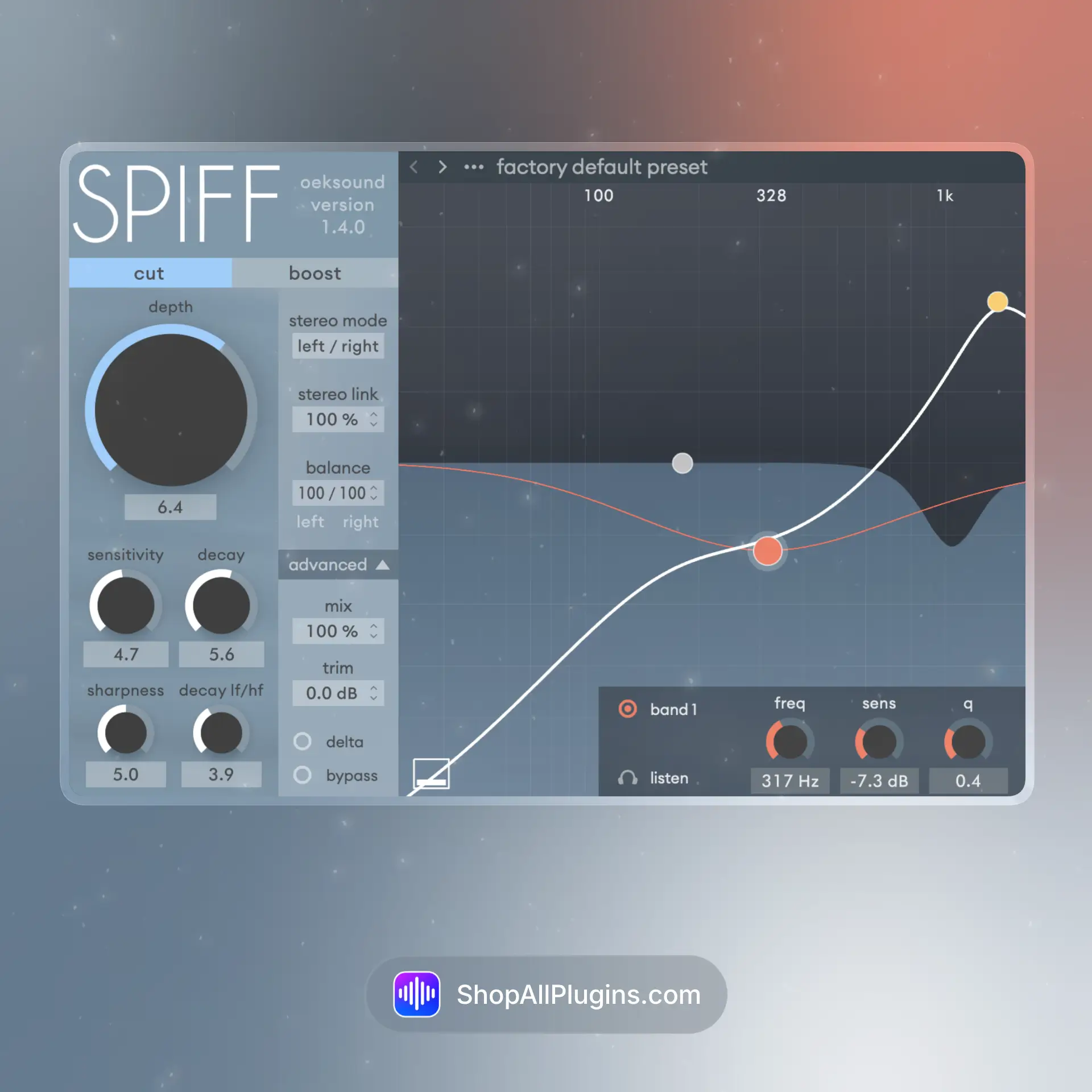












Reviews
Clear filtersThere are no reviews yet.