










Trilian STEAM Folder Setup (Windows & Mac) – Complete Installation & Fix Guide 2025

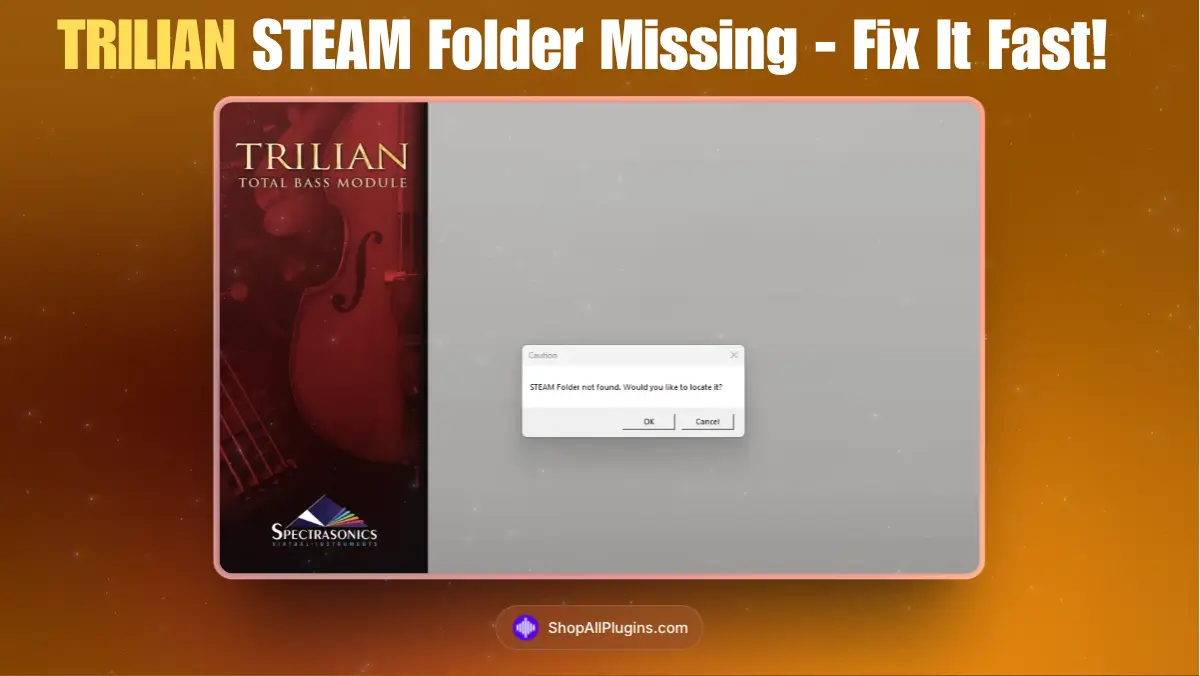
Table of Contents
Learn how to complete the Spectrasonics Trilian STEAM Folder Setup to make sure your bass instrument runs perfectly inside your DAW. This step-by-step guide covers installation, locating the STEAM folder, moving it to another drive, and solving common issues — compatible with both Windows and macOS systems.
1️⃣ What Is Trilian?
Trilian by Spectrasonics is the ultimate bass instrument — covering everything from acoustic, electric and synth basses to deep cinematic low-end design. It’s built on the same core engine as Omnisphere and Keyscape, meaning it uses a shared STEAM Folder where all the massive sound library data lives. If this folder isn’t installed or linked correctly, Trilian simply can’t load its sounds.
2️⃣ System Requirements
| Platform | OS & Specs | Library Size |
|---|---|---|
| 💻 Windows | Windows 8 or later (64-bit), 8 GB RAM (16 GB recommended), VST2/VST3/AAX support | ≈ 35 GB |
| 🍎 Mac | macOS 10.13 or later (64-bit), AU/VST3/AAX support | ≈ 35 GB |
3️⃣ Trilian STEAM Folder Setup (Windows & Mac)
Follow these simple steps to install and link your STEAM folder properly.
Step 1: Install Trilian
- Run the Trilian installer.
- Choose where you want the plugin files (DLL/VST/AU) to install — the default location is fine for most DAWs.
- When prompted for the sound library location, you’ll select or create a STEAM Folder.
Step 2: Select STEAM Folder Location
Trilian, Omnisphere and Keyscape share the same STEAM folder. If you already have one from another instrument, use that same folder to avoid errors.
💻 On Windows:
Default path:
C:\ProgramData\Spectrasonics\STEAM
If you have limited space on C:, you can install the library to another drive (e.g. D:\Spectrasonics\STEAM). Make sure you remember the exact path.
🍏 On macOS:
Default path:
/Users/Shared/Spectrasonics/STEAM
You can also choose an external drive for your library if needed. Just ensure permissions are set to allow read/write access for Spectrasonics.
4️⃣ How to Link the STEAM Folder (If Moved)
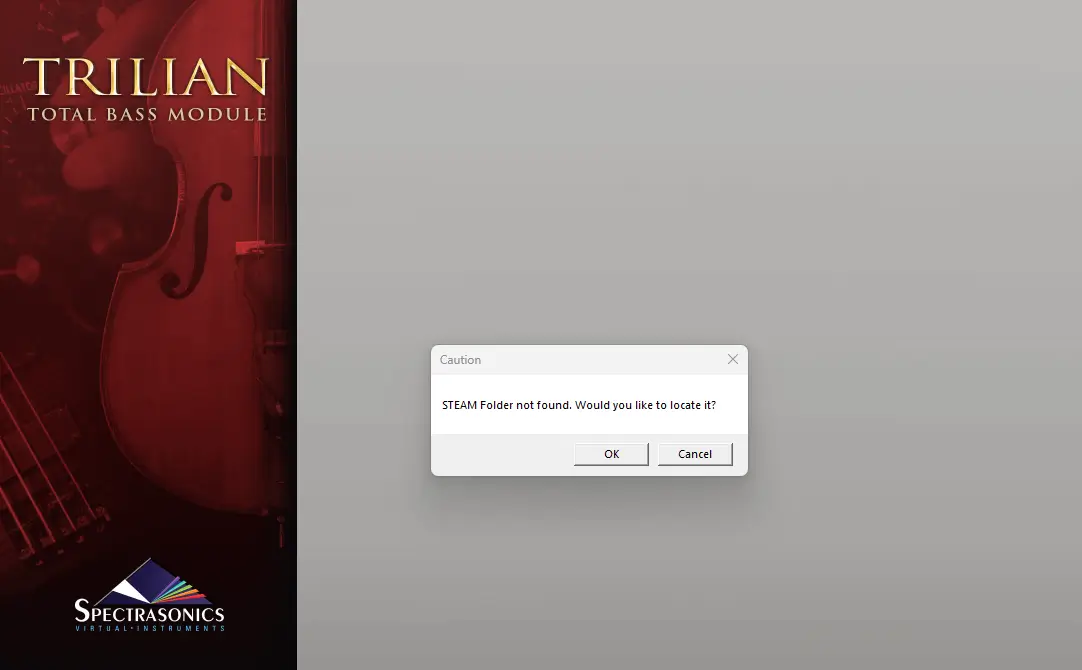
If you moved your STEAM folder after installing Trilian, you must link it manually.
On Windows:
- Navigate to
C:\ProgramData\Spectrasonics\. - If a “STEAM” folder exists and is empty, delete it.
- Right-click your new STEAM folder (on your other drive) → Create Shortcut.
- Rename that shortcut exactly STEAM (no “Shortcut” text).
- Move it into
C:\ProgramData\Spectrasonics\. - Restart Trilian or your DAW — it will find the library instantly.
On macOS:
- Go to
/Library/Application Support/Spectrasonics/. - Move or rename any existing STEAM folder.
- Create an alias of your external STEAM folder (Command + Option drag it).
- Rename the alias to STEAM and place it in the Spectrasonics folder.
- Re-open Trilian in your DAW to verify it detects the library.
5️⃣ Common Setup Errors (and Fixes)
| ⚠️ Error | Cause | Fix |
|---|---|---|
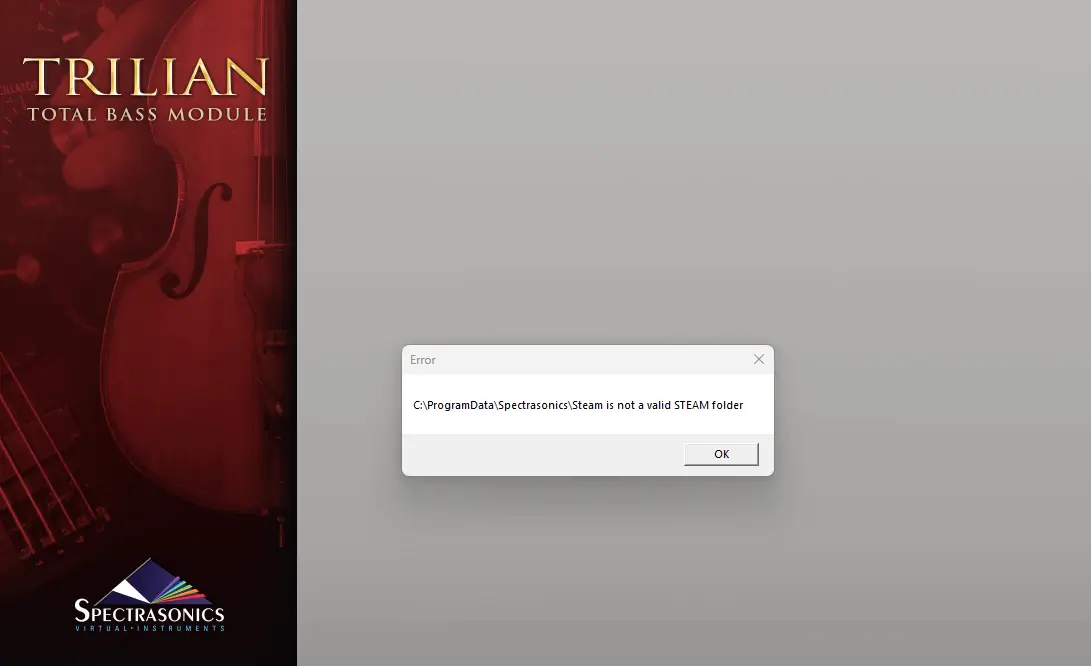
| “This is not a STEAM folder” | You selected the wrong level — it must contain a Trilian subfolder. | Choose the parent folder named STEAM directly. |
| “Inconsistent index data” | Alias/shortcut broken after drive move. | Recreate shortcut or alias as shown above. |
| Installer won’t let you select STEAM location | Existing STEAM folder already present. | Delete/move old alias then rerun installer. |
| Slow load times or missing sounds | External drive too slow or disconnected. | Use SSD or fast HDD and keep drive connected before launch. |
6️⃣ Support & Resources
If you run into issues, visit the official Spectrasonics Support Center for manuals and knowledge-base articles. Or reach out via our live chat — we’re happy to help you get Trilian running smoothly.
💡 Final Tips
- Use an SSD for faster loading and better performance.
- Always back up your STEAM folder — it’s large but essential.
- Keep the folder structure intact (Trilian inside STEAM).
- Don’t move plugin files after installation unless you know what you’re doing.
🧠 Now that you’ve completed the Trilian STEAM Folder Setup, you’re ready to explore hundreds of deep, expressive bass sounds straight inside your DAW.
🎥 Watch our quick video tutorial to fix the “Trilian STEAM Folder not detected” issue, it’s clear, simple, and easy to follow.