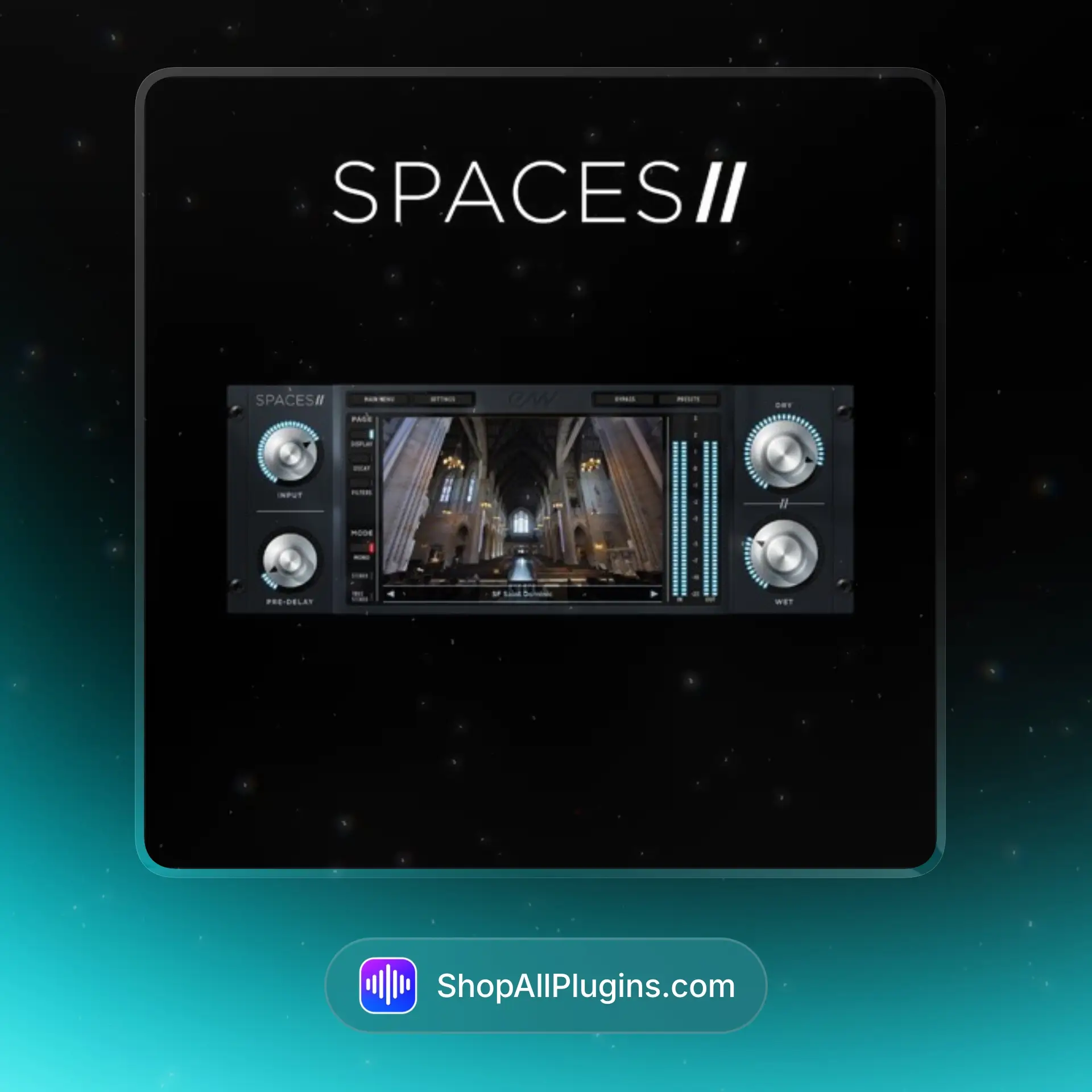
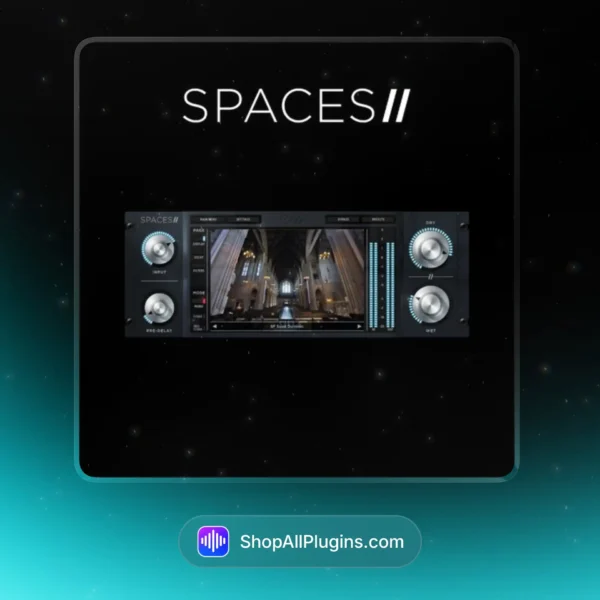
EastWest Spaces II is a convolution reverb audio plugin that puts real rooms, halls, studios, and weird spaces right inside your DAW using high-resolution impulse responses. If you are chasing believable depth for orchestral, vocals, drums, or cinematic sound design, Spaces II is the kind of reverb you can keep in every template (and “EastWest Spaces II download” is a common search once people hear how realistic it feels).
🎛️ What’s Inside
| Module / Plugin |
What it does |
Perfect for |
| Spaces II Convolution Reverb Plugin |
True stereo convolution reverb with a streamlined browser and fast controls so you can audition spaces quickly and commit. |
Mixing, mastering ambience, and realistic depth in any DAW. |
| 1,020 Total Reverbs (Impulse Responses) |
A huge library of high-resolution impulse responses captured in real-world environments and classic reverb sources. |
Everything from subtle room tone to massive cinematic tails. |
| 372 Instrument-Specific Reverbs |
Reverbs tailored to specific instruments so the space sits naturally without fighting the source. |
Orchestral, acoustic instruments, vocals, and realistic scoring mixes. |
| Multiple Environments |
Spaces recorded in venues like churches, concert halls, opera houses, studios, tunnels, and more for real depth choices. |
Cinematic scoring, ambient music, pop vocals, drum rooms, sound design. |
| True Stereo and Surround Capability |
Supports true stereo processing and surround-ready workflows, great for film and immersive production. |
Film, TV, game audio, orchestral placement, wide mixes. |
| Decay Time Control |
Adjust tail length while keeping the character of the captured space, useful for fitting reverbs into a mix. |
Tight pop vocals, controlled drum rooms, faster cues, cleaner mixes. |
| Standalone App + Plugin Versions |
Run Spaces II as a standalone app or as an audio plugin inside your DAW for flexible workflows. |
Live-style routing, quick auditioning, and studio mixing sessions. |
🎯 Why Producers Choose It
💡 Key Benefits
- Real rooms in your DAW using convolution, great for believable depth in mixing and mastering.
- Huge library with 1,020 reverbs so you are not stuck with the same 3 halls forever.
- Instrument-specific presets (372) that help reverbs sit naturally without guesswork.
- Fast workflow with a streamlined UI that makes auditioning and committing easy.
- Wide compatibility as VST2, VST3, AU, and AAX for most music production setups.
🎨 Best Use Cases
- Orchestral placement and depth for film scoring inside Cubase 13 and Logic Pro.
- Vocals that feel expensive without drowning the mix in long tails.
- Drum rooms and parallel reverb for rock, pop, and hip hop grooves.
- Cinematic sound design spaces for impacts, drones, and transitions.
- Mix bus ambience for glue when you want space that still sounds natural.
Standout feature: Spaces II gives you a massive impulse response library plus instrument-specific reverbs, so you can pick a space that already fits the source instead of spending 20 minutes EQ-ing your reverb return.
📋 Technical Specs
| Plugin Formats |
VST2, VST3, AU (macOS), AAX, 64-bit, Standalone |
| Windows Requirements |
Windows 10 or later, 64-bit host, internet connection for activation |
| macOS Requirements |
macOS 10.15 or later, 64-bit host, internet connection for activation |
| CPU Load |
Low to Medium (convolution is efficient here, but longer IRs, true stereo, and higher session sample rates can increase load) |
| Tested DAWs |
Ableton Live 11 and 12, Logic Pro, FL Studio 21+, Cubase 13, Studio One 6+, Reaper, Pro Tools (AAX) |
| Apple Silicon Native |
Yes, native support for Apple Silicon M1 to M4 |
✅ Instant Download – fast digital delivery via ShopAllPlugins
✅ License – iLok activation supported (online authorization)
✅ Content – Spaces II convolution reverb plugin, 1,020 impulse responses, 372 instrument-specific reverbs, standalone app support
✅ Workflow – quick auditioning and realistic spaces for mixing, mastering, and sound design inside your DAW
💡 Pro Tip
For a clean modern mix, put Spaces II on an aux, pick an instrument-specific reverb for your lead vocal, then shorten decay until the words stay clear. If you need width, go true stereo and keep the send subtle, that is how you get depth without washing out the track.
❓ FAQ
What is EastWest Spaces II
EastWest Spaces II is a convolution reverb audio plugin with a large library of impulse responses captured from real spaces, designed for realistic depth in mixing, mastering, and sound design.
Does Spaces II work in my DAW
Yes. It supports VST2, VST3, AU, and AAX formats, so it works in Ableton Live, Logic Pro, FL Studio, Cubase, Studio One, Reaper, and Pro Tools.
How do I install and activate EastWest Spaces II
Download the installer from your ShopAllPlugins order, install the plugin, then activate using iLok during setup with an internet connection.
Can I use the license on more than one computer
iLok licensing typically allows you to manage activations across supported locations depending on your iLok workflow and license terms.
Does EastWest Spaces II work natively on Apple Silicon M1 M2 M3 M4
Yes, it supports native Apple Silicon M1 to M4 on compatible macOS systems.
🏁 Final Word
EastWest Spaces II is for producers, composers, and mixers who want realistic spaces without overthinking it. If your tracks need depth that sounds like an actual room, hall, or studio (especially for orchestral, vocals, drums, and cinematic music production), Spaces II is a go-to convolution reverb VST, AU, or AAX that plays nicely in modern DAWs.












 Immediate Digital Delivery
 Reliable Customer Service
 Secure Payments









Reviews
Clear filtersThere are no reviews yet.