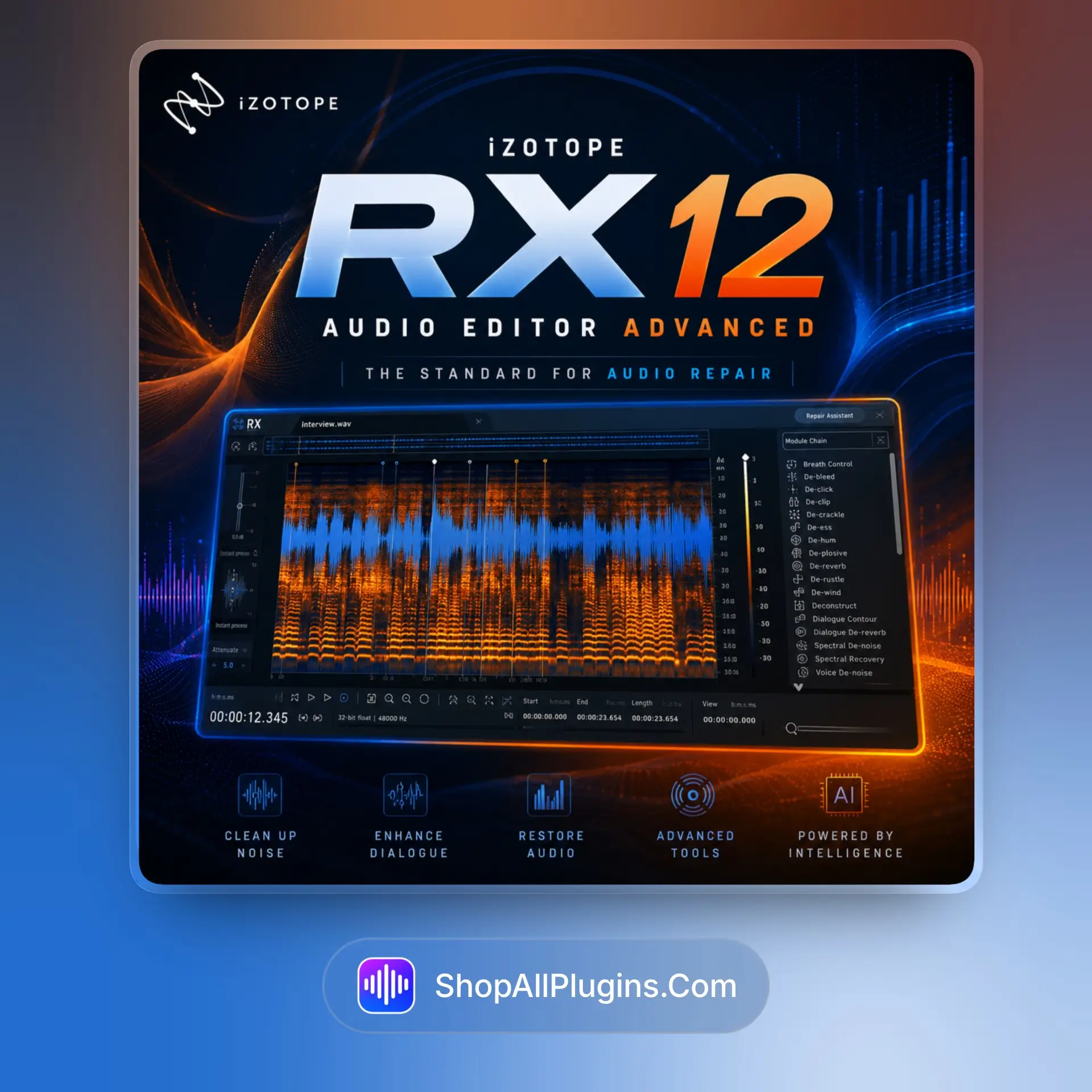
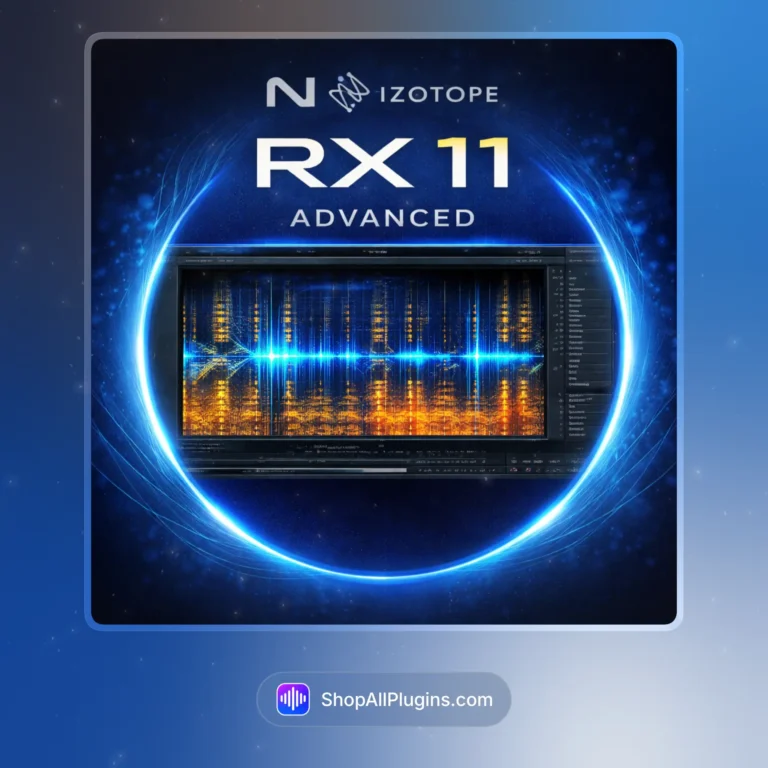
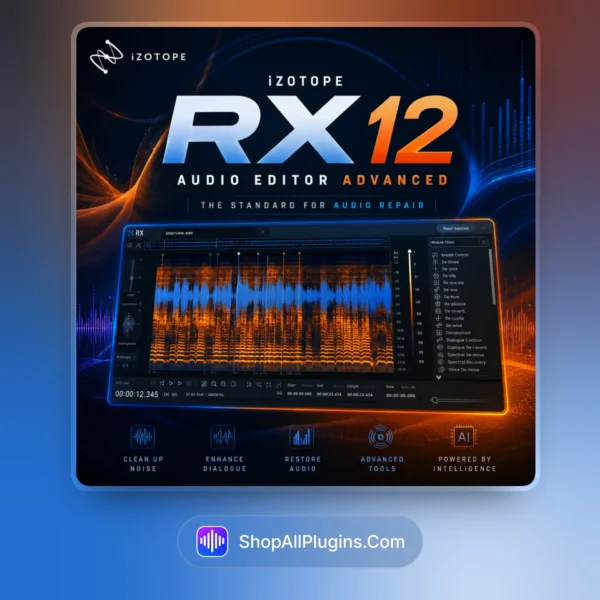
iZotope RX 12 Audio Editor Advanced is the industry-standard audio restoration and repair software featuring over 50 specialized modules, 21 real-time plugins, 45 processing tools, and machine learning-powered spectral editing for removing noise, clicks, hum, reverb, breaths, and other imperfections while preserving natural timbre, available as standalone editor and plugin suite with multichannel 7.1 support and Apple Silicon native performance for professional post-production, music mixing, broadcast, podcast, and film audio workflows in 2026.
🎛️ What’s Inside
| Feature / Module |
What It Does |
Perfect For |
| 🔬 Spectral Editor |
Visual frequency-based editing allowing surgical removal of unwanted sounds by painting over them in the spectrogram. |
Removing specific noises, isolating sounds, surgical repair, forensic audio. |
| 🤖 Repair Assistant |
AI-powered analysis that identifies audio problems and suggests optimal processing chains automatically. |
Quick fixes, batch processing, identifying unknown issues, time-saving workflows. |
| 🎵 Music Rebalance |
Source separation technology for isolating vocals, drums, bass, and other elements from mixed audio with real-time plugin. |
Stem creation, remix preparation, vocal isolation, instrumental extraction. |
| 📊 Stems View (New in V12) |
Track-based workflow applying the full RX toolkit to individual isolated stems separately. |
Stem-specific processing, targeted repair, multitrack restoration, detailed editing. |
| 🔇 De-noise and De-hum |
Intelligent noise reduction and hum removal using adaptive algorithms that learn the noise profile. |
Location audio cleanup, HVAC removal, electrical hum, background noise. |
| 🌊 De-reverb |
Reduces or removes unwanted room reverb and ambience from recordings after the fact. |
Dialogue cleanup, room correction, location recording repair, podcast editing. |
| 💨 Breath Control and De-click |
Automatic detection and removal of breaths, clicks, pops, and mouth noises from vocal recordings. |
Voiceover editing, podcast production, vocal cleanup, audiobook mastering. |
| 🎬 Ambience Match |
Matches the ambient characteristics between different audio clips for seamless editing. |
Dialogue editing, ADR matching, scene continuity, film post-production. |
🎯 Why Producers Choose It
💡 Key Benefits
- 50+ specialized modules covering every audio repair scenario.
- 21 real-time plugins for use directly in your DAW or NLE.
- Machine learning powered spectral editing for intelligent processing.
- Multichannel 7.1 support for surround and immersive audio work.
- ARA integration for seamless editing in Logic Pro and Studio One.
🎨 Best Use Cases
- Film and TV post-production dialogue cleanup and restoration.
- Music production removing bleed, noise, and unwanted artifacts.
- Podcast and voiceover editing with breath and click removal.
- Forensic audio analysis and evidence restoration.
- Broadcast audio repair meeting QC standards for delivery.
Standout feature: The new Stems View in RX 12 provides a track-based workflow that lets you apply the full 50+ module toolkit to individual isolated stems separately, meaning you can de-noise just the vocals, de-reverb just the dialogue, or process each separated element independently without affecting the rest of the mix.
📋 Technical Specs
| 💻 Plugin Formats |
AU, AAX, AAX AudioSuite, VST3, AU ARA, VST3 ARA, Standalone Editor (64-bit only) |
| 🖥️ Windows |
Windows 10 (22H2) or Windows 11 (24H2), 64 bit, Intel or AMD processor |
| 🍎 Mac |
macOS Sonoma (14.7.x), macOS Sequoia (15.7.x), or macOS Tahoe (26.4.x), Intel and Apple Silicon native |
| ⚙️ CPU Load |
Medium to high depending on module, machine learning modules benefit from modern CPUs |
| 🎵 Tested DAWs/NLEs |
Logic Pro 12, Pro Tools 2025, Ableton Live 12, Cubase 15, Nuendo 15, Studio One 7, Reaper 7, FL Studio 25, Adobe Audition 2026, Adobe Premiere Pro 2026, DaVinci Resolve 19, Reason 13 |
| 🚀 Apple Silicon |
Yes, runs natively on M1, M2, M3, and M4 processors on macOS (native and Rosetta supported) |
| 🔊 Multichannel |
Up to 7.1 surround support for immersive audio workflows |
| 🔑 Licensing |
iZotope account activation, perpetual license |
🚀 What You Get Right Now
✅ Instant Download – premium digital delivery via ShopAllPlugins
✅ License – official iZotope RX 12 Advanced perpetual activation
✅ Content – standalone editor, 21 plugins, 45 modules, 50+ total tools
✅ Workflow – spectral editing, AI repair, stem separation, multichannel 7.1
💡 Pro Tip
Use Repair Assistant first to automatically identify problems in your audio, then switch to the Spectral Editor for surgical fixes on specific issues it flags. For music production, use Music Rebalance to create stems from a mixed track, then apply De-noise or De-reverb to individual stems in the new Stems View for targeted cleanup without affecting the full mix.
🏁 Final Word
iZotope RX 12 Audio Editor Advanced delivers the complete audio restoration ecosystem with over 50 specialized modules, 21 real-time plugins, machine learning-powered spectral editing, the new Stems View for track-based processing, and multichannel 7.1 support for professional post-production. If you need to remove noise, clicks, hum, reverb, breaths, and other imperfections from dialogue, music, podcasts, or broadcast audio while preserving natural timbre with Apple Silicon native performance across Logic Pro, Pro Tools, Adobe Premiere Pro, and DaVinci Resolve, RX 12 Advanced provides the industry-standard restoration workflow for professional audio engineering in 2026.













 Immediate Digital Delivery
 Reliable Customer Service
 Secure Payments












Reviews
Clear filtersThere are no reviews yet.