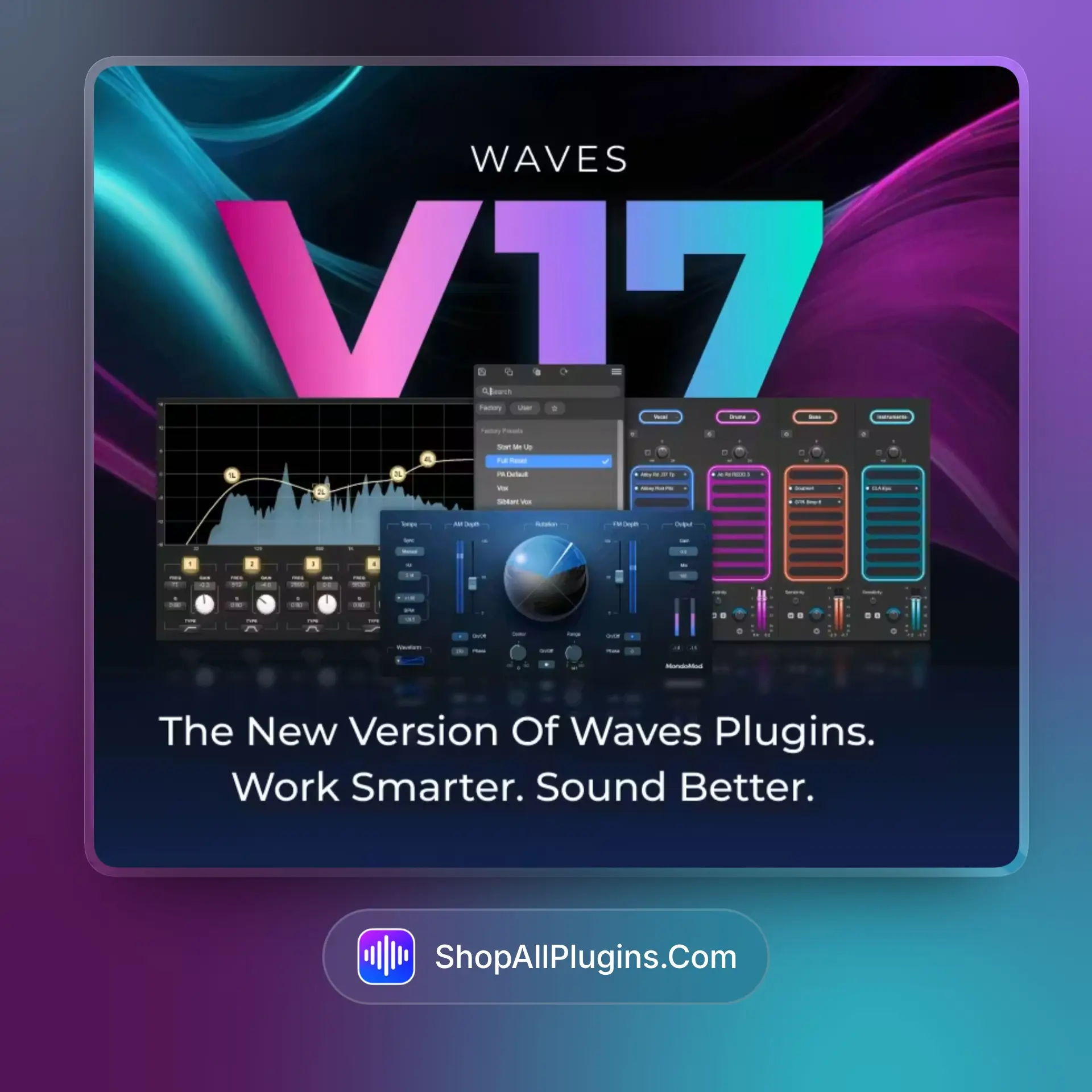
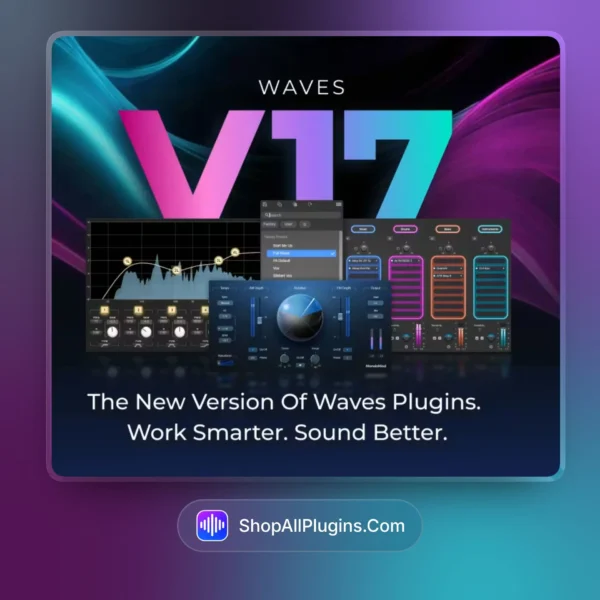
Waves Ultimate 17 Plugins is a complete audio plugin bundle used for mixing vocals, shaping drums, processing instruments, mastering tracks, and sound design in music production, mixing, mastering, or sound design. When a session needs clean vocals, controlled drums, balanced instruments, polished loudness, and fast workflow inside one plugin collection, Waves Ultimate 17 gives producers a wide set of tools for getting professional mixes done without jumping between many separate brands.
🎛️ What’s Inside
| Category |
What it does |
Perfect for |
| Vocal Mixing Plugins |
Compression, EQ, pitch correction, de-essing, vocal riding, saturation, reverb, delay, and cleanup tools for clear vocal chains |
Lead vocals, backing vocals, rap vocals, pop vocals, podcast-style clarity |
| Drum Processing |
Transient shaping, compression, gating, EQ, saturation, parallel processing, room tone, and punch control for drum mixes |
Kick, snare, hi-hats, drum buses, live drums, programmed drums |
| Mixing & Channel Tools |
Classic EQs, compressors, channel strips, analog-style processors, modulation, delay, reverb, and stereo tools for complete mix control |
Full mixes, instrument buses, vocal buses, mix cleanup, tonal balance |
| Mastering Tools |
Limiters, multiband compression, metering, stereo imaging, EQ, dynamics, and loudness tools for final track preparation |
Streaming masters, loudness control, final polish, mix bus processing |
| Restoration & Utility |
Noise reduction, repair, tuning, metering, analysis, phase tools, and workflow utilities for technical audio fixes |
Cleaning recordings, fixing harshness, reducing noise, preparing audio for release |
| Creative Effects |
Reverbs, delays, modulation, distortion, pitch effects, vocal effects, sound design processors, and experimental tools |
Sound design, vocal effects, transitions, drops, electronic production |
🎯 Why Producers Choose Waves Ultimate 17
Key Benefits
- 240+ Waves plugins for vocals, drums, instruments, mixing, mastering, post-production, and live sound
- Includes essential tools for EQ, compression, reverb, delay, saturation, tuning, cleanup, and final loudness
- Works in all major DAWs (VST, AU, AAX), including FL Studio, Ableton Live, Logic Pro, Cubase, Studio One, and Reaper
- Beginner-friendly for building simple vocal chains, while also suited for advanced workflows with buses, parallel processing, and mastering chains
- V17 includes an improved preset menu system for faster search, navigation, and preset management across most Waves plugins
Best Use Cases
- Waves Ultimate 17 plugin for vocals works well for vocal cleanup, tuning, compression, de-essing, delay, and reverb
- Waves Ultimate 17 for FL Studio gives beatmakers a full set of tools for vocal mixing, drum punch, and loud masters
- Great for Ableton Live producers who need fast creative effects, bus processing, and mix finishing tools
- Useful in Logic Pro for full production sessions, from recording to mix bus processing and mastering
- Strong option for producers who want one large plugin collection instead of buying many small plugin packs separately
Standout feature: Waves Ultimate 17 covers nearly every stage of the production process, from recording and vocal editing to drum shaping, instrument mixing, mastering, restoration, and creative sound design, making it practical for producers who want one complete Waves setup inside their DAW.
Waves Ultimate 17 is often used as an alternative to FabFilter Total Bundle for producers who want a much larger plugin collection with vocal tools, analog-style processors, creative effects, restoration plugins, mastering tools, and classic Waves mixing processors in one package.
📋 Technical Specs
| Plugin Formats |
VST3, AU, and AAX support for major DAWs, with format availability depending on host and operating system |
| Windows Requirements |
Windows 10 or Windows 11, 64-bit system recommended for modern Waves V17 workflows |
| macOS Requirements |
macOS on Apple Silicon systems supported by Waves V17, suitable for modern M-series Mac setups |
| Apple Silicon |
Works on Apple Silicon M1, M2, M3, and M4 systems when used with a compatible macOS version and supported DAW |
| CPU Load |
Waves Ultimate 17 CPU usage depends on the plugin: basic EQ, compression, and channel tools are usually low to medium and suitable for large sessions and laptops, while heavier restoration, AI-assisted, mastering, and advanced processing tools are better for controlled sessions with higher buffer settings |
| Compatible DAWs |
Ableton Live 11/12, FL Studio 21+, Logic Pro, Cubase 13, Studio One 6+, Reaper, and other major DAWs that support VST3, AU, or AAX |
| Workflow Type |
Beginner-friendly for simple preset-based mixing, and suited for advanced workflows involving vocal chains, drum buses, parallel compression, mix bus processing, mastering chains, and post-production cleanup |
| Version Context |
V17 is the latest Waves generation, focused on improved preset handling, workflow updates, compatibility updates, and faster navigation across most Waves plugins |
✅ Instant Download – fast digital delivery via ShopAllPlugins
✅ Complete Bundle – Waves Ultimate 17 plugin collection for mixing, mastering, vocals, drums, instruments, and sound design
✅ DAW Ready – works in all major DAWs including FL Studio, Ableton Live, Logic Pro, Cubase, Studio One, and Reaper
✅ Modern Workflow – V17 preset navigation and compatibility updates for faster production sessions
💡 Pro Tip
For vocals, start with subtractive EQ, light compression, de-essing, vocal riding, and a short reverb or delay send. For drums, use transient shaping, compression, saturation, and bus processing before the final limiter. Waves Ultimate 17 works best when you build clean, simple chains first, then add creative effects only where the mix needs movement or character.
❓ FAQ
What is Waves Ultimate 17 used for
Waves Ultimate 17 Plugins is used for vocal mixing, drum processing, instrument shaping, music production, sound design, mastering, restoration, and full mix finishing inside a DAW.
Is Waves Ultimate 17 beginner friendly
Yes, Waves Ultimate 17 is beginner-friendly because many plugins include presets and simple controls, but it is also suited for advanced workflows with detailed EQ, compression, routing, bus processing, and mastering chains.
Does Waves Ultimate 17 work in FL Studio, Ableton Live, and Logic Pro
Yes, Waves Ultimate 17 works in all major DAWs (VST, AU, AAX), including FL Studio, Ableton Live, Logic Pro, Cubase, Studio One, and Reaper when the DAW version and operating system are compatible.
Does Waves Ultimate 17 use a lot of CPU
Waves Ultimate 17 CPU usage varies by plugin. Standard EQs, compressors, channel strips, delays, and reverbs are usually manageable for large sessions and laptops, while heavier restoration, mastering, and advanced processing tools can require more CPU and work better in controlled sessions.
Does Waves Ultimate 17 work on Apple Silicon M1 to M4
Yes, Waves Ultimate 17 works on Apple Silicon M1, M2, M3, and M4 systems when used with a supported macOS version and compatible DAW setup.
Can I use Waves Ultimate 17 offline
Waves Ultimate 17 can be used offline after proper installation and activation, depending on the license setup and the way the product is installed on your system.
🏁 Final Word
Waves Ultimate 17 Plugins is a strong choice for producers, engineers, and beatmakers who want one large Waves collection for vocals, drums, instruments, mixing, mastering, restoration, and creative sound design. It fits well in FL Studio, Ableton Live, Logic Pro, Cubase, Studio One, Reaper, and other major DAWs, making it a practical all-in-one plugin bundle for both fast production and serious mix work.











 Immediate Digital Delivery
 Reliable Customer Service
 Secure Payments